
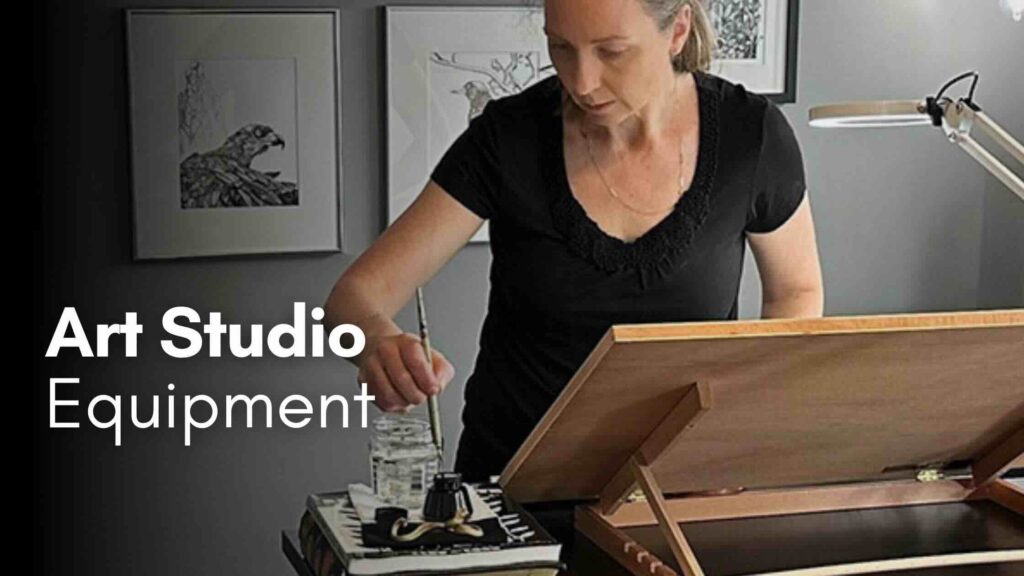
Learn more about how I’ve set up my art business, such as the equipment and services I use. Get ideas for your home art studio.
//DISCLOSURE: I earn a small commission when you use my affiliate links to make a purchase. Read more about my affiliate partnerships in the Terms.
- Do you have a workflow (a structure, schedule, or organization method)? If yes, how effective is it?
- What about your setup? Do you have a dedicated space or somewhere to go to be creative?
- Are the supplies you use adequate and functional (equipment, tools, materials)? What’s missing?
These are some of the questions I’d asked myself when I built my learning plan to become a full-time artist. I wanted to make sure there would be no preventable obstacles getting in the way of my success.

My desk and timer solutions for energy
Sitting and hunching without breaks didn’t help when I first started. To fix this, I purchased a standup desk plus a portable tabletop easel for art-making that adjusts from flat to vertical.
I also set a timer for 45 minutes. When the timer beeps, I do ten minutes of mobility exercises. There’s a yoga mat and two sets of dumbbells next to my desk.
When I start to feel fatigued from art projects, I switch to computer work until the energy returns, back and forth.
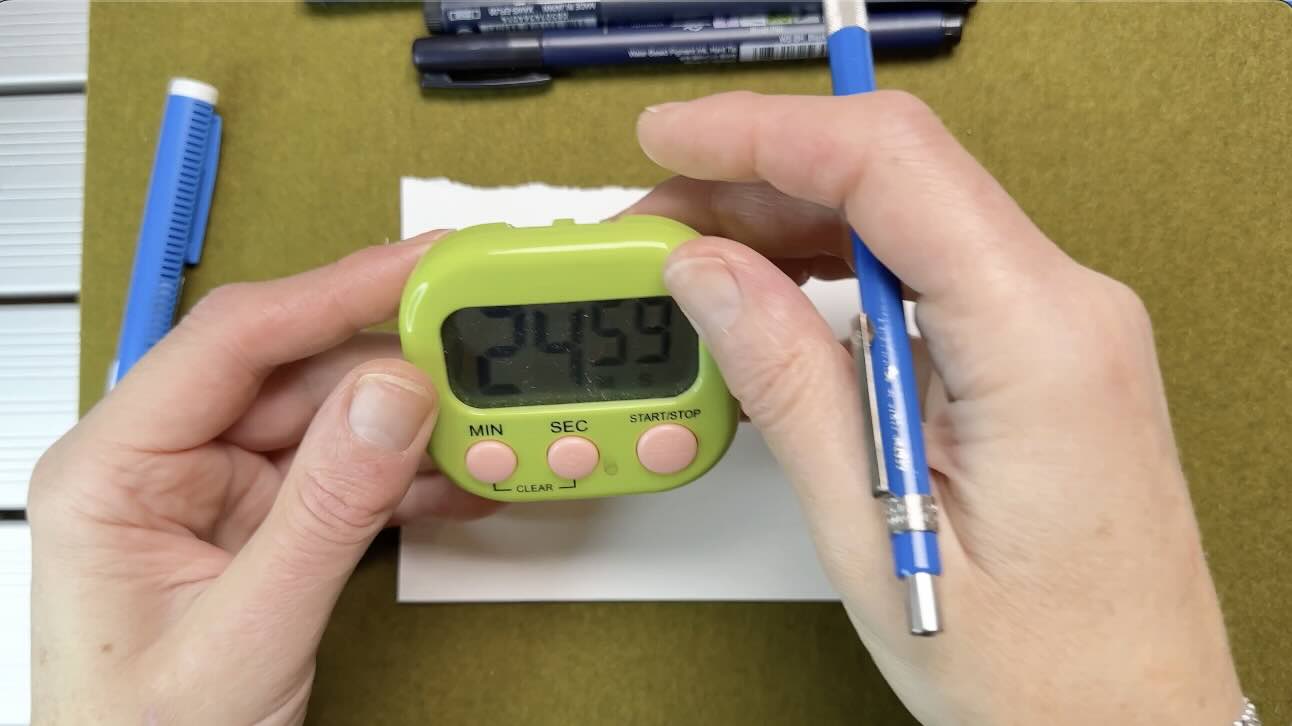
These simple solutions allow me to switch between activities without potential side distractions, boost energy and keep me on tasks.
The ideal home art studio setup allows you to easily adjust your equipment so that you can draw from various angles and positions. Avoid wasting time looking for your stuff by having accessible organizers and storage. Proper lighting and an anti-fatigue mat are also top of my list for overall wellness.
Here’s the top items in my art studio that I now can’t live without:
- 29.5″ x 10.75″ Adjustable Tabletop Easel by Falling In Art
- Swing Arm Magnifying Desk Lamp by YOUKOYI
- 39″ x 20″ anti-fatigue mat
- Artist Drawing Glove
- 12″x12″ Cricut cutting mat

I used to have this L-shaped powered adjustable standup desk made by EffyDesks. It’s very sturdy, well-made made, and amazing. But it weighs a ton, so I had to part with it when I moved 4,500 KMs across the country.
My new standup desk is much less impressive, and the brand is not worth recommending here. I highly recommend an adjustable desk as essential equipment.
📌 Find more inspiration for your ideal home art studio setup on my Pinterest Board.
What I wish I knew when I started my art business online
If you’re an aspiring illustrator planning your first website or online shop, there are things to think about before jumping in. Things I wish I had learned sooner.
You won’t find anything too technical in that article. However, for each pro-con comparison, there are links to further resources to help guide your research process.
I’ve also included thoughts from other artists with examples of their online setups.

Content creation gear
Below is the summary of the key equipment, software and apps that I use for content creation, to make videos and courses.
Equipment
I’m still using my old iPhone 14 Pro Max to shoot social media posts and to film videos.
I had a professional camera in the past, but I sold it. It had so many settings and extra steps compared to using an iPhone. It’s on my wish list to get another (easier to use) camera.
I’m happy with my 16” MacBook Pro for the time being, though I’d love to have a second monitor or a new iMac (I sold my 2017 iMac when I moved).
I use an external drive for storage and Time Machine for backups.
My 4th-generation iPad is perfect for looking up references and Kindle books when I draw. It has Procreate and all my other social apps on it.
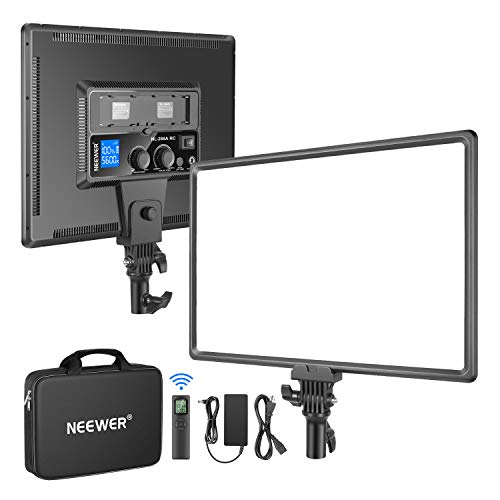
I use a light panel for filming now rather than selfie rings because there’s plenty of natural light in my new home. When I researched the best lighting setup for a home studio, Neewer came up a lot in the reviews as a brand used by YouTubers, so I went with that.
- Neewer Air Cushioned Heavy Duty Tripod Stand
- Neewer 45W 4800Lux 3200K-5600K CRI 97+ Dimmable Bi-Color 18″ Soft Light Panel
I use a couple of different phone holders, both made by Ulanzi. One that sits on my table and one on a separate expandable tripod. I got both from Costco as a kit.
For audio, I have two sets of professional microphones. A studio mic and a wireless lapel style, both made by Rode.

Software, apps and services
Canva Pro is what I use for graphic design:
- YouTube thumbnails
- Blog covers
- Workbooks, eBooks and templates
For video editing, I use CapCut Pro.
I found CapCut easier to learn than some of the leading programs like Final Cut Pro and Adobe Premiere. CapCut Pro started out as the best value in terms of pricing, but it’s starting to be more competitive now that the Pro version was released on desktop a few years ago.
The other services I use as mentioned on my tools page are:
- ABR Websites (hosting, maintenance, and support)
- Artlist (royalty-free digital assets, my music)
- Flodesk (email marketing)
Didn’t find the answer you were looking for?
Visit the FAQ page or drop me a line.

Very helpful information re drawing with ink.
I am 90 years old and still interested in drawing. Your videos and comments are very clear and I would like to see more.